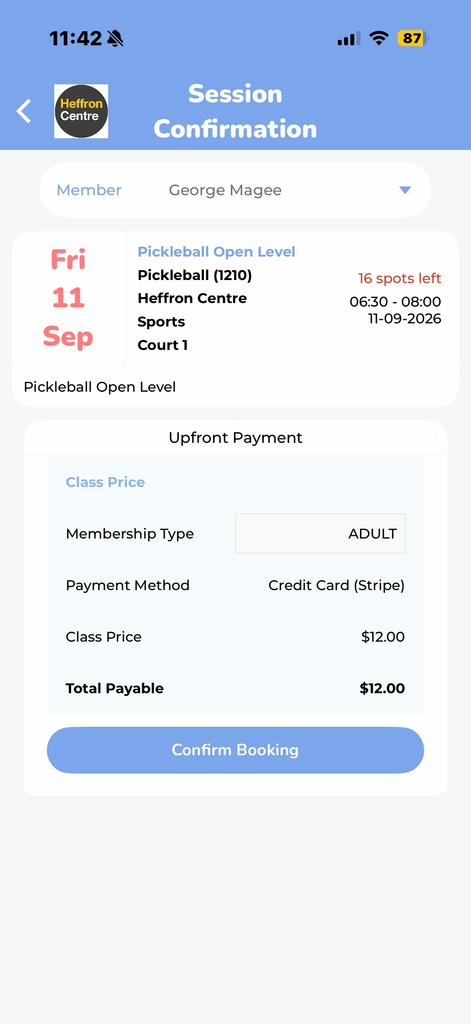
How to Book
Booking your classes has never been easier with the Active World app. Whether you’re looking to join a group fitness session, secure your spot in a popular class, or manage your upcoming bookings, the app makes the process quick and convenient.

Download the Active World App via the App Store or Google Play Store
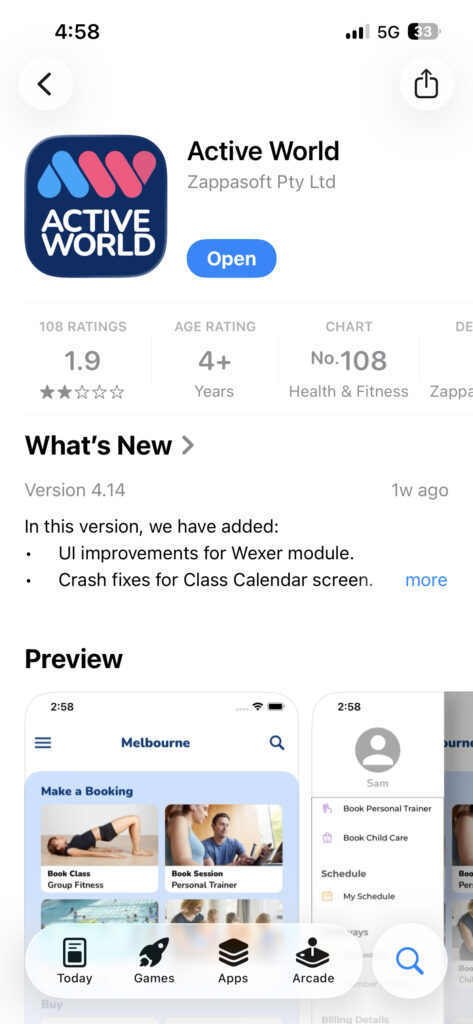
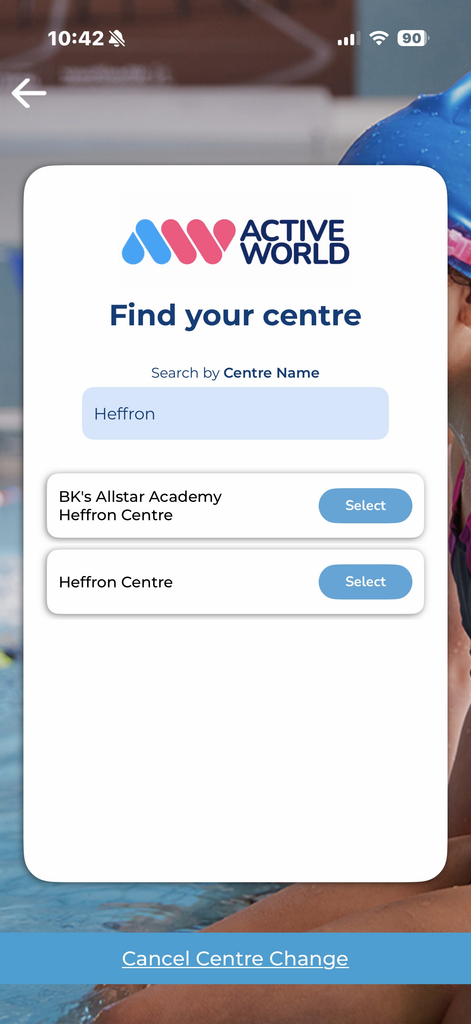
Search for “Heffron” and select either “Heffron Centre” or “BK’s All Star Academy Heffron Centre” depending on your booking needs
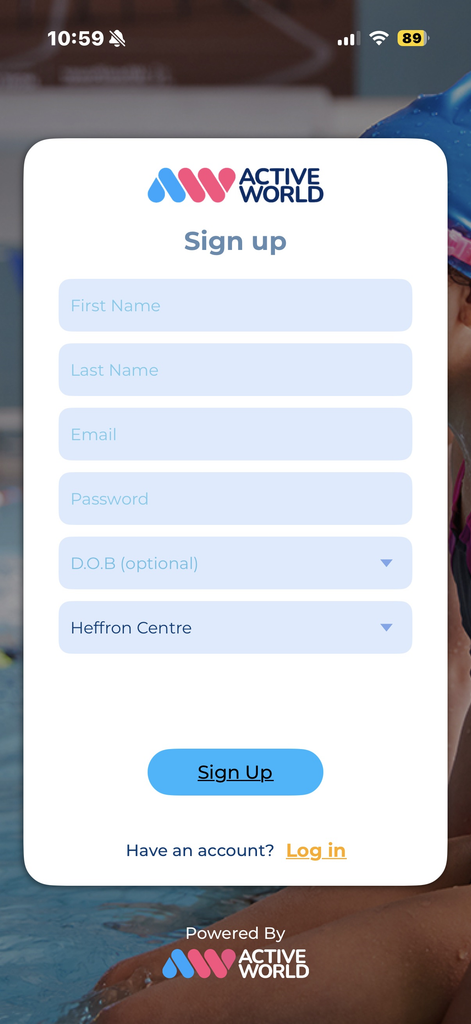
Create an account by selecting “Sign Up” and fill out the required information
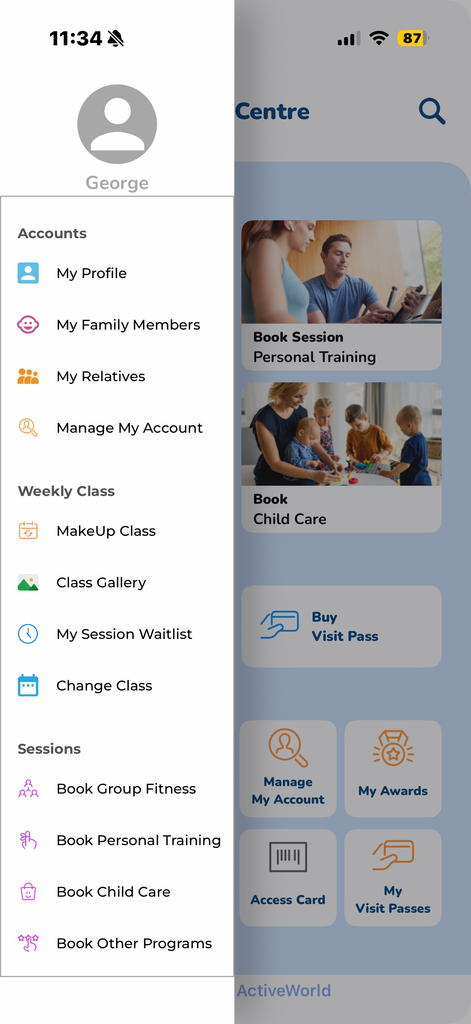
Once you have logged in, select the 3 lines at the top left of the screen, followed by the “My Family Members” tab. NOTE: if you are booking for yourself, you may skip this step 🙂
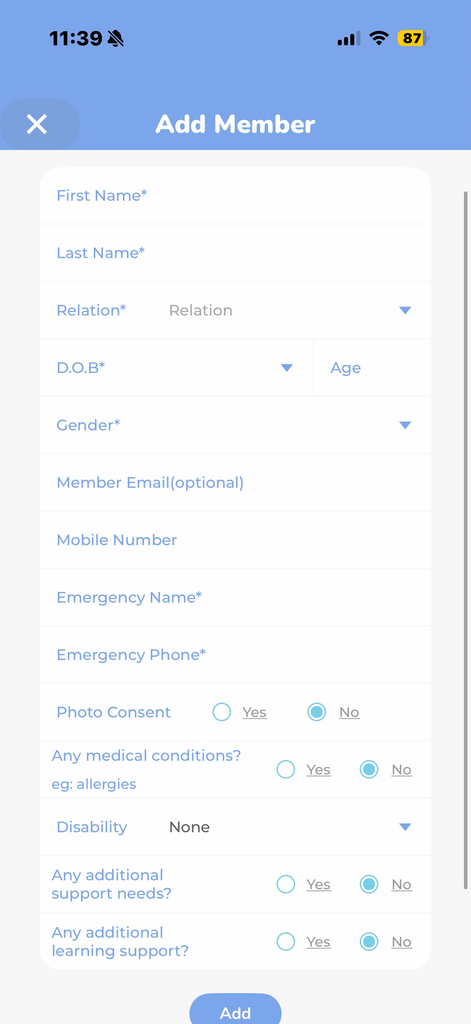
Create your Child/ren’s profile. If you are booking for yourself, you may also skip this step
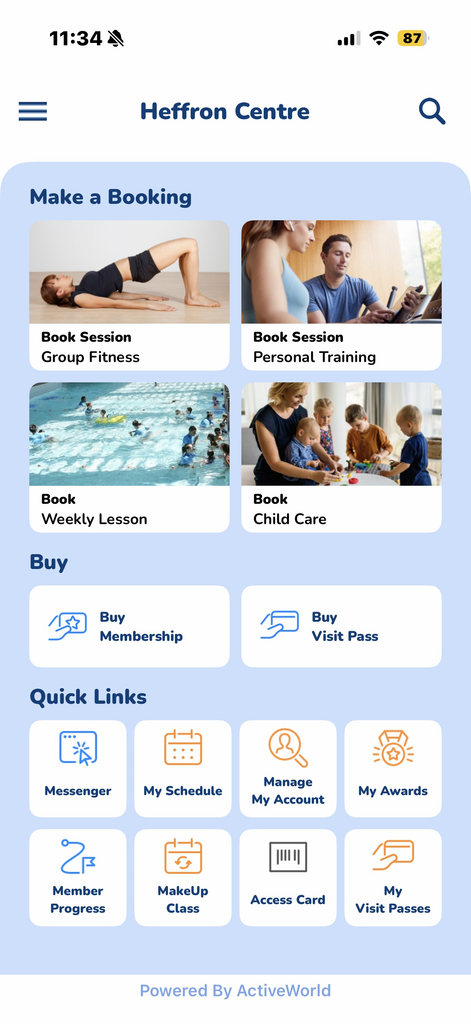
Select the “Book Session – Group Fitness” Options
Scroll through the dates to find your preferred session/sessions to book into
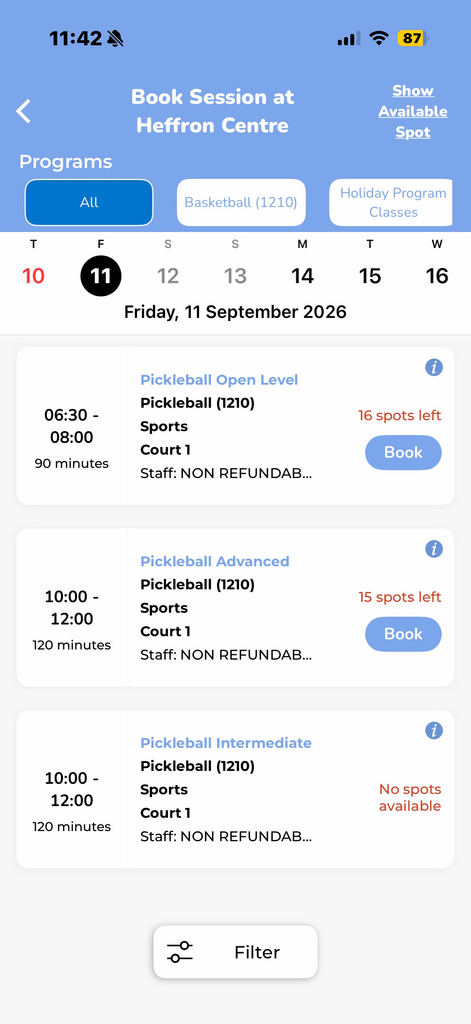
Select your/ your child’s profile and book them in!
Our team will be in touch if there is any additional enrollment information/forms required.